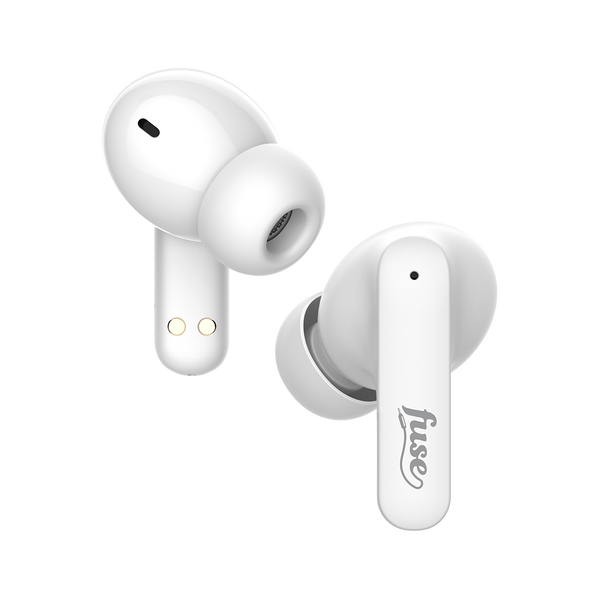
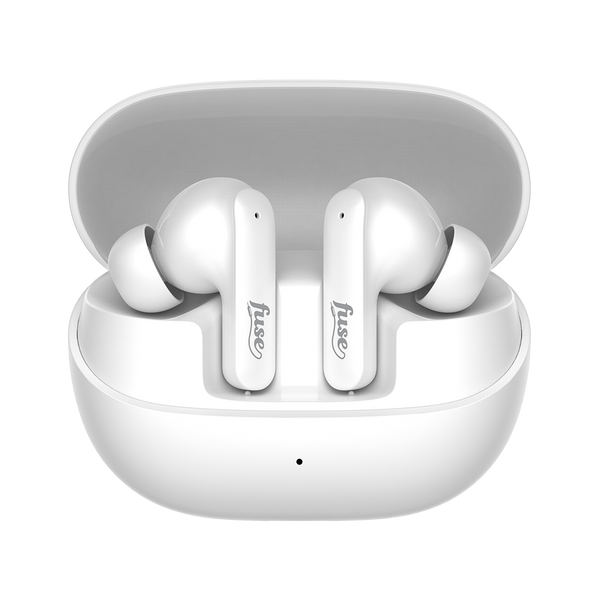
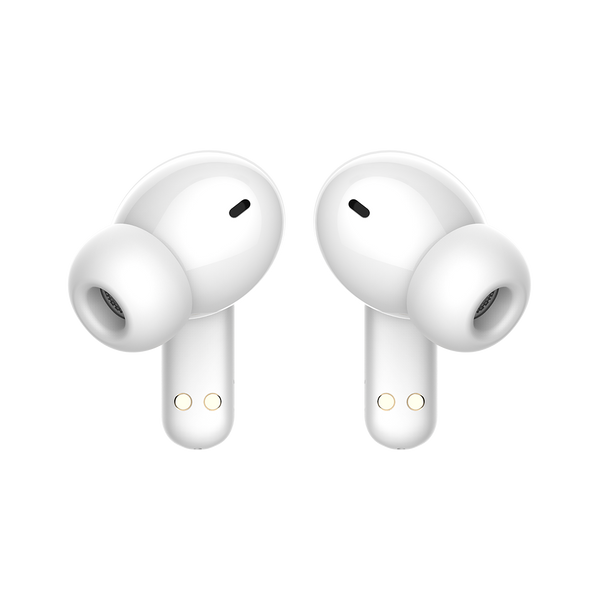
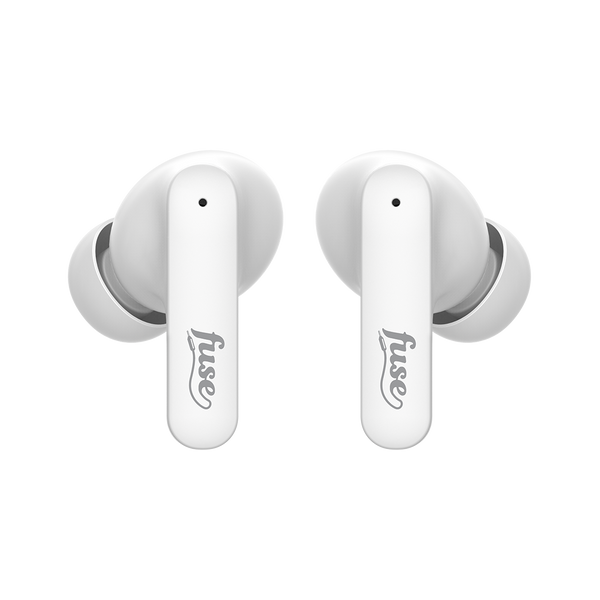
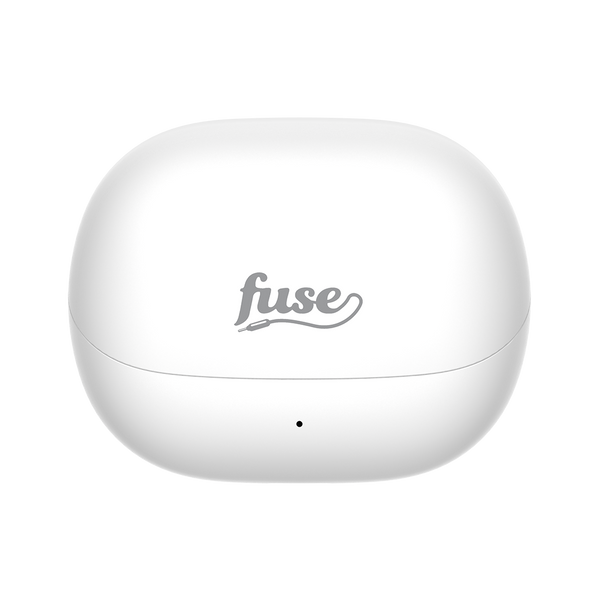
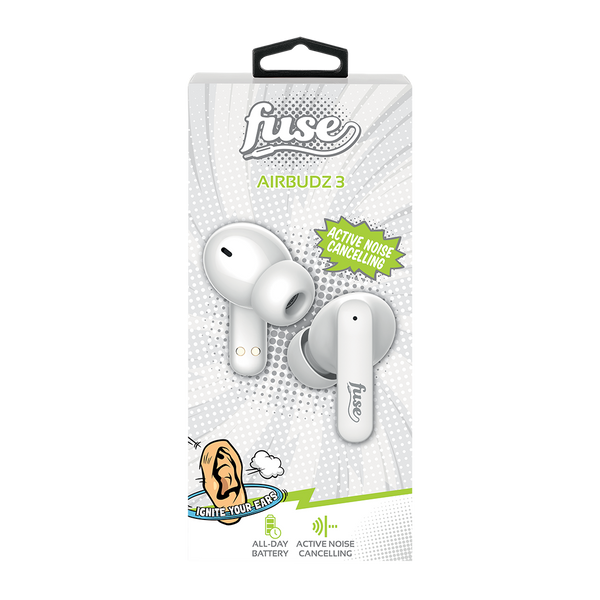
Fuse Airbudz 3 Noise Cancelling Earbuds - Navy
was added to your shopping bag



was added to your shopping bag


was added to your shopping bag


was added to your shopping bag


was added to your shopping bag


was added to your shopping bag


was added to your shopping bag


was added to your shopping bag


was added to your shopping bag


was added to your shopping bag


was added to your shopping bag


was added to your shopping bag


was added to your shopping bag

New Airbudz 3 - Cut the Noise, Enjoy the Beats!
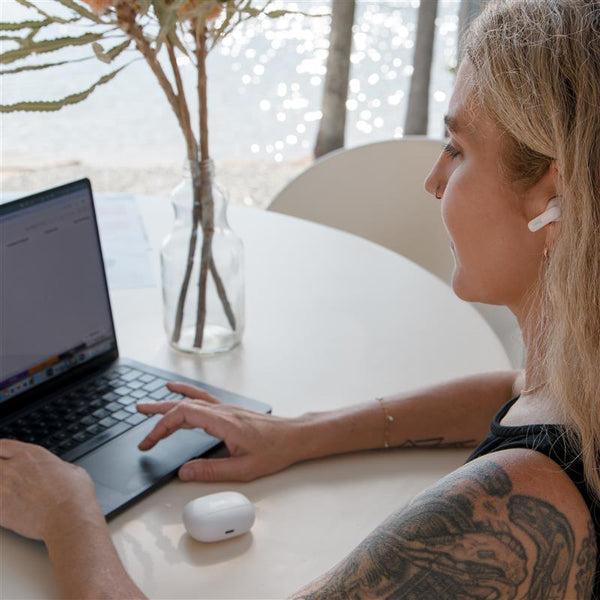
Block out distractions with Active Noise Cancelling (ANC) or switch to Transparency Mode to stay aware. With immersive audio, crystal-clear calls, and up to 24 hours of battery life with the charging case, these wireless earbuds are designed for all-day comfort and performance.
✅ Active Noise Cancelling (ANC) - Block out ambient noise for total immersion
✅ Transparency Mode - Hear your surroundings without removing your earbuds
✅ Immersive Audio - Get lost in your music
✅ Crystal-Clear Calls - 4 microphones for clearer calls, even in noisy environments
✅ All-Day Battery - Up to 6 hours of listening time. Up to 24 hours with the charging case.
Compatible with Bluetooth phones, tablets & computers.
Height: 160mm
Length: 75mm
Width: 25mm
Weight: 93.4g
Fuse will replace the faulty product at no cost to the consumer. The warranty does not extend to any consequential damages or costs that may be incurred and is valid for 24 months from date of purchase. The consumer must return the faulty product to the retail store it was purchased from together with proof of purchase.
Charge Your Airbudz:
Before first use, fully charge using the supplied cable.
The indicator light on the charging case will flash while charging and stay lit when charging is complete.
Connect Your Airbudz:
Remove earphones from the rechargeable case.
Turn Bluetooth on in your phone’s settings and select Fuse Airbudz 3 from the available Bluetooth devices.
Note: The earphones will automatically turn off when they are not in use for 5 minutes.
Touch Controls:
Connection range from device to Airbudz is 10m. Please keep away from Wifi, router or other high frequency transmitting equipment to prevent interruption of signal.
Functions:
Troubleshooting:
If you have connection issues, first try turning Bluetooth off then on again on your device.
If still not working, perform the reset procedure below.
Afterwards, you will need to follow step 2 to connect your Airbudz 3 to your device again.
Reset to Factory Settings:
Five taps, then hold for 5 seconds on the left or right touch control.
Here is the most up-to-date guide with everything you should know about the Fuse Airbudz 3.
was added to your shopping bag
was added to your shopping bag
was added to your shopping bag
was added to your shopping bag
was added to your shopping bag
was added to your shopping bag
was added to your shopping bag
was added to your shopping bag
was added to your shopping bag
was added to your shopping bag
was added to your shopping bag
was added to your shopping bag
was added to your shopping bag


